Skip to content

Your morning, already sorted.

One calm page each morning: your agenda, deadlines, travel, weather and the headlines that matter.
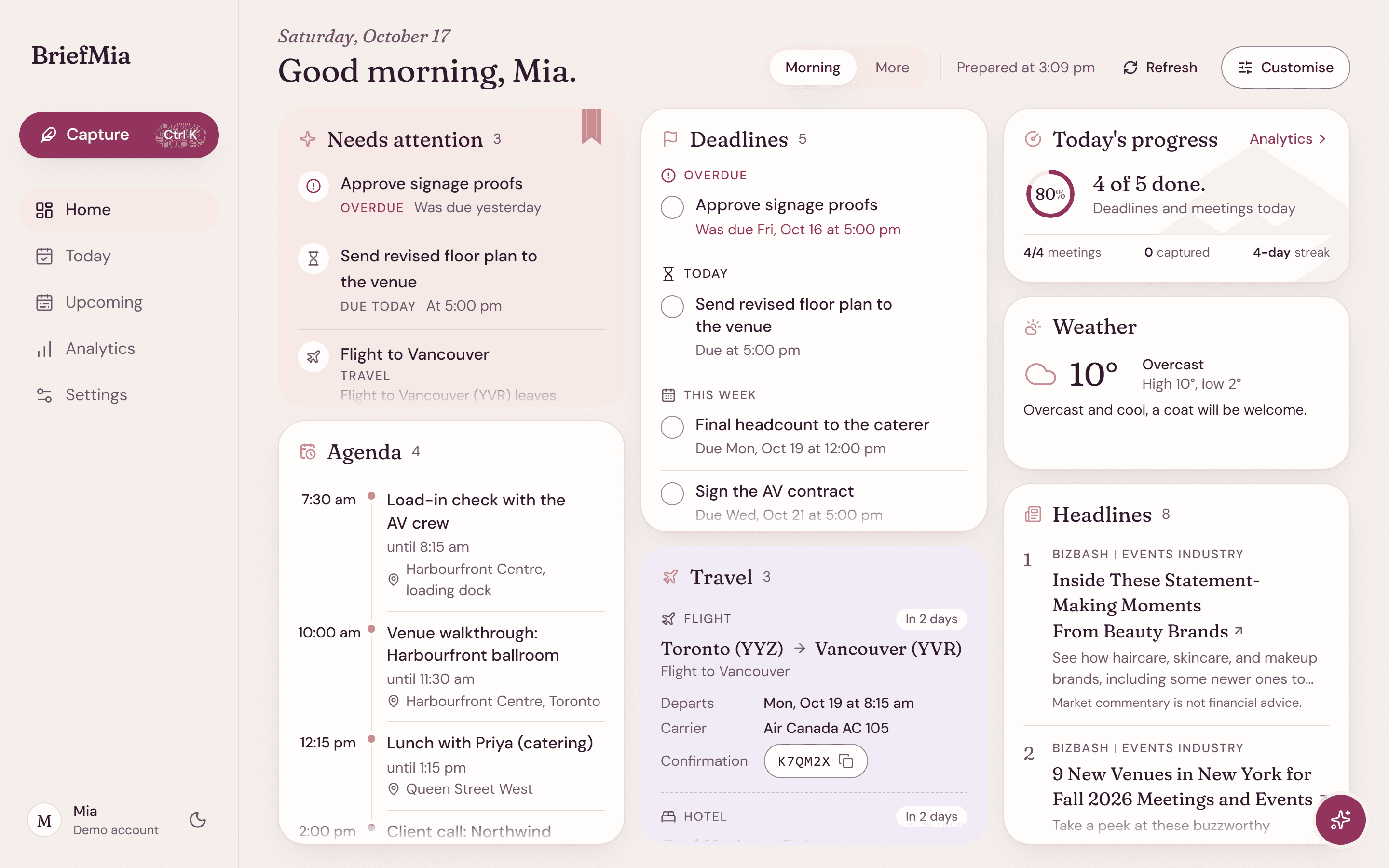
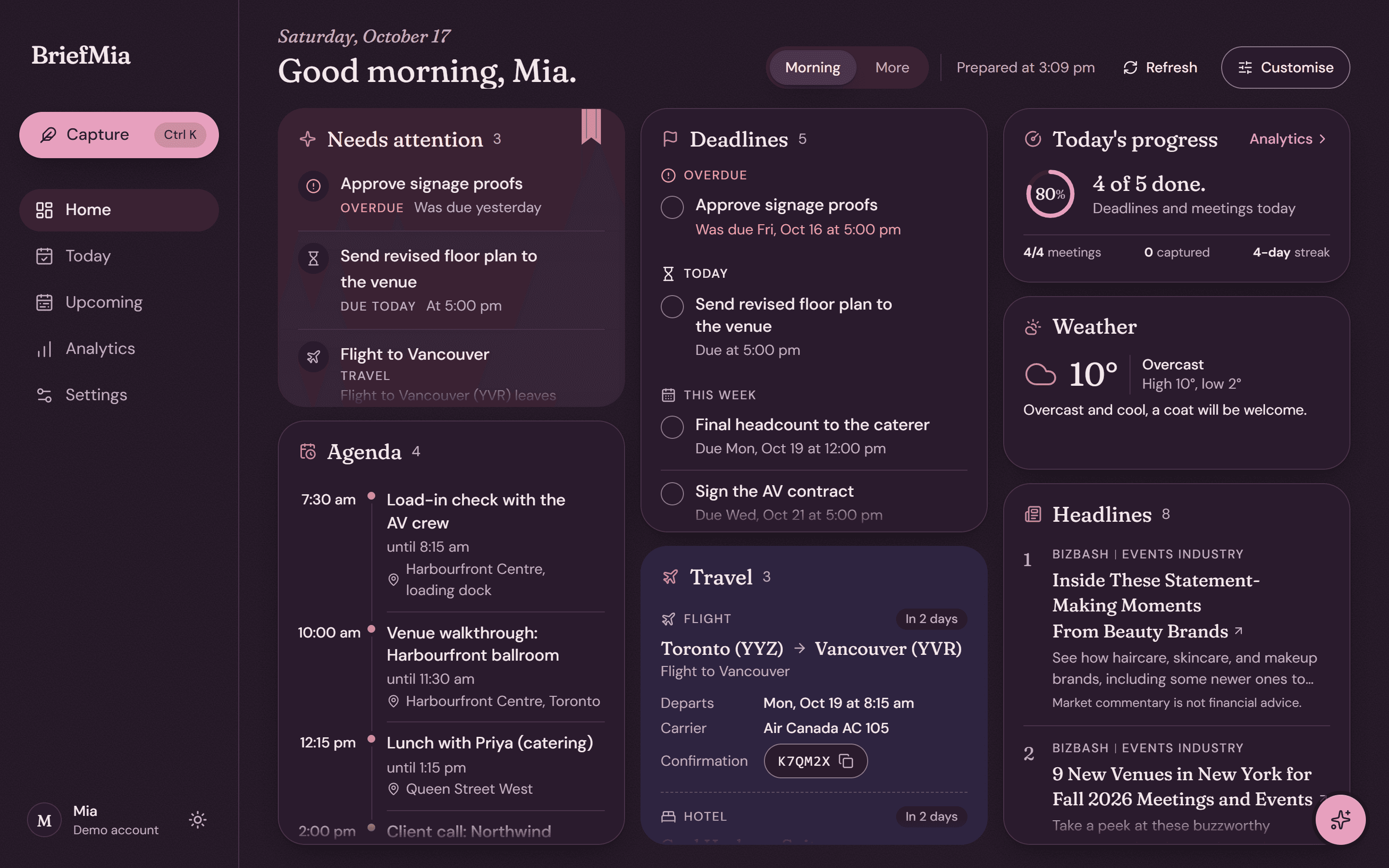
The morning brief: what needs attention, the day's agenda, deadlines, travel, weather and headlines.
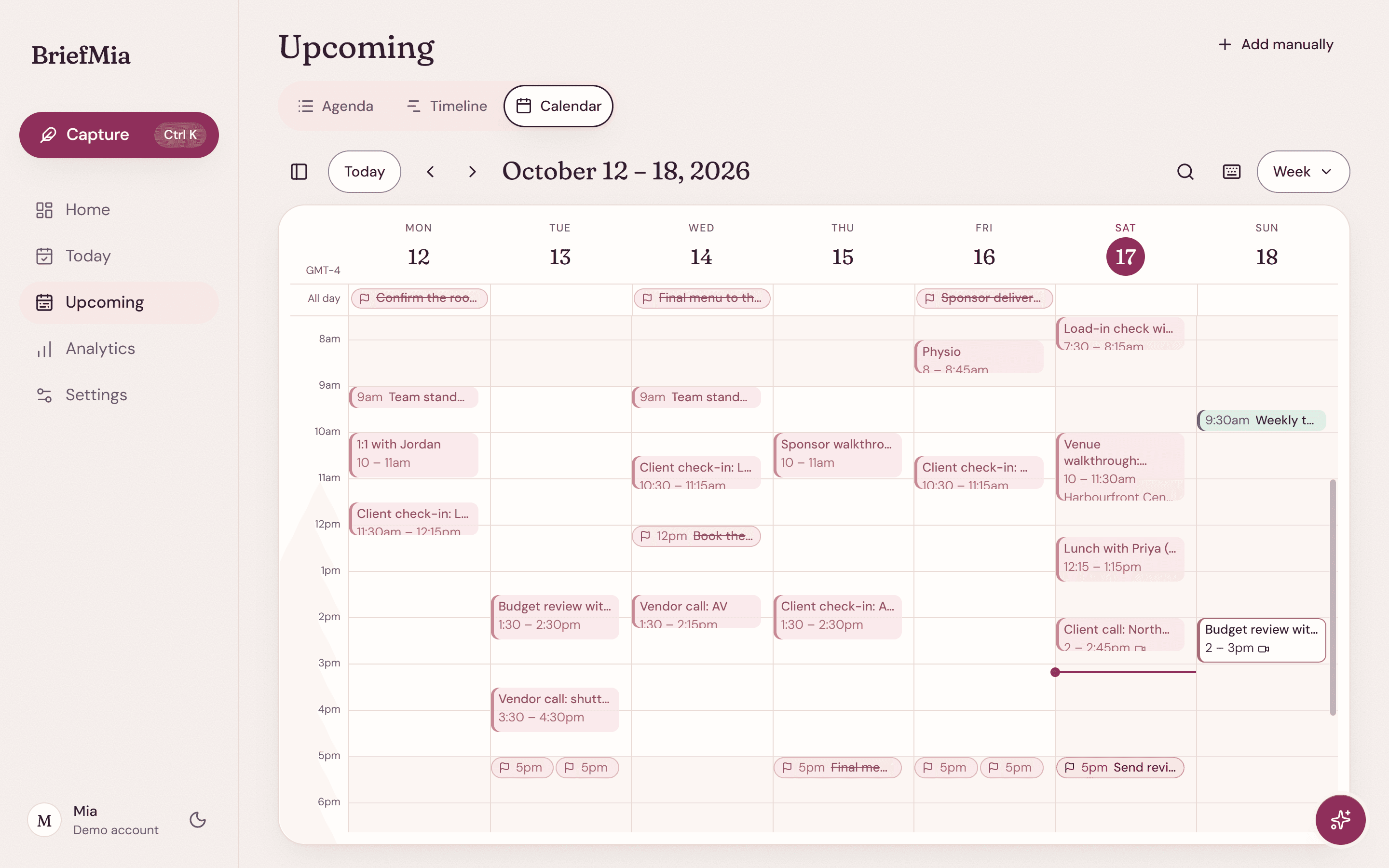
The week view of the calendar, with colour-coded plans from several calendars.
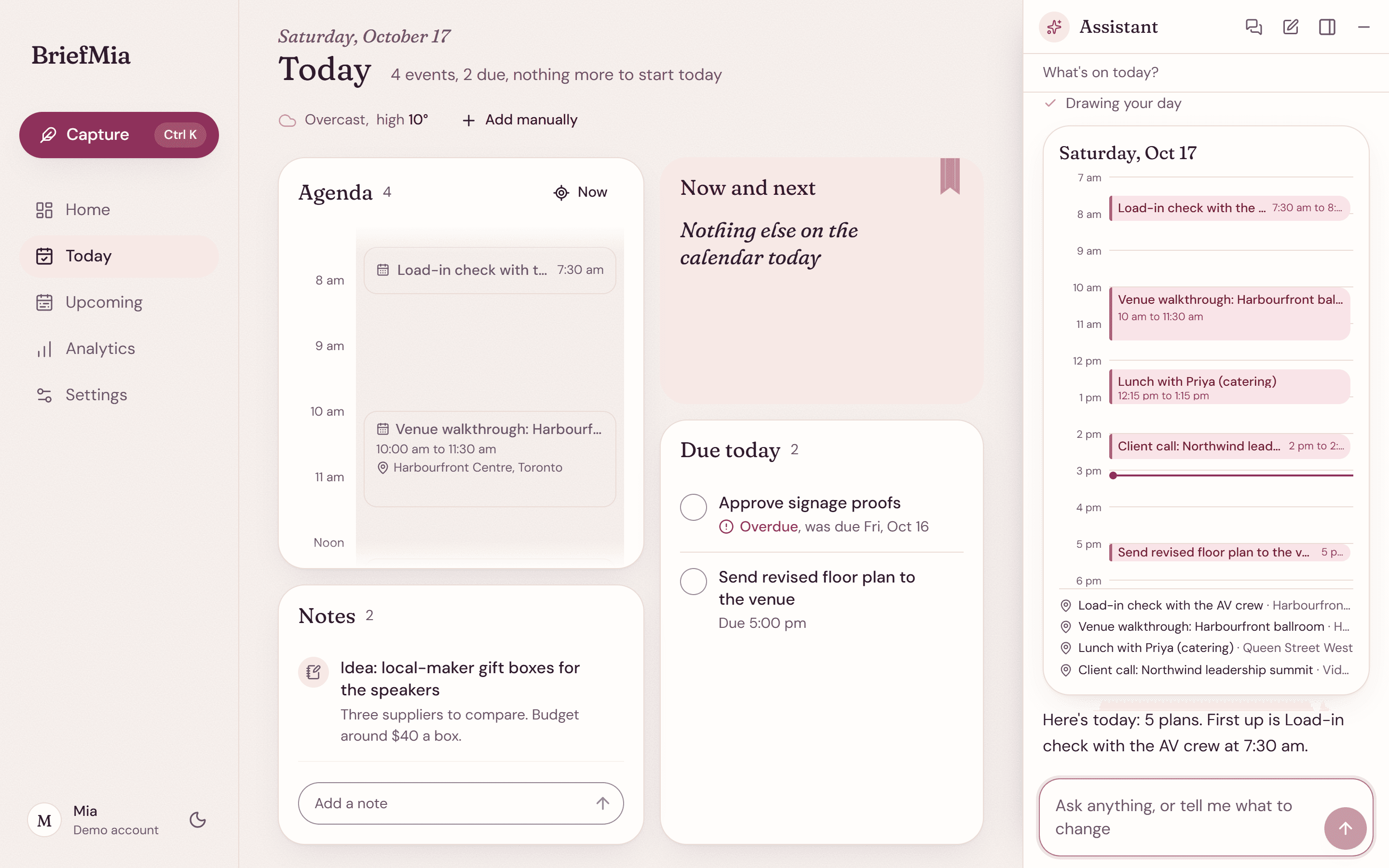
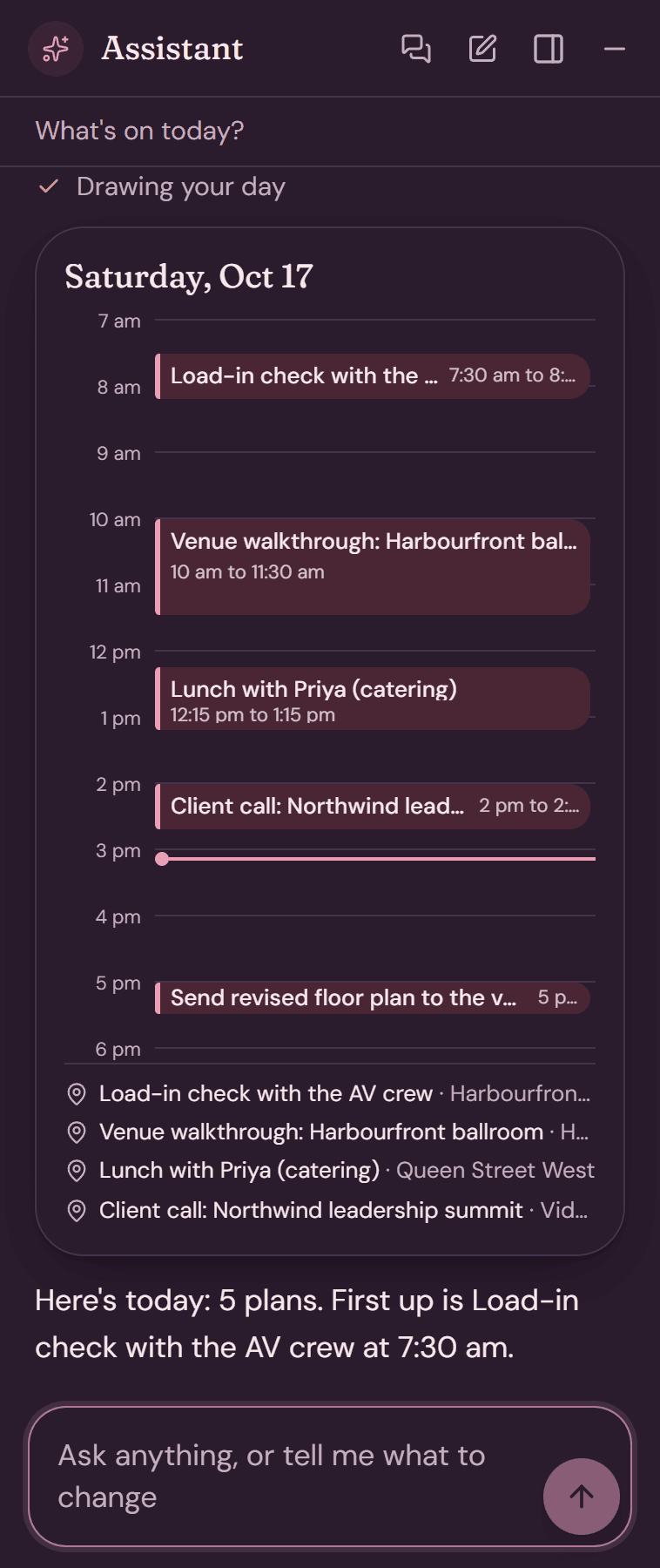
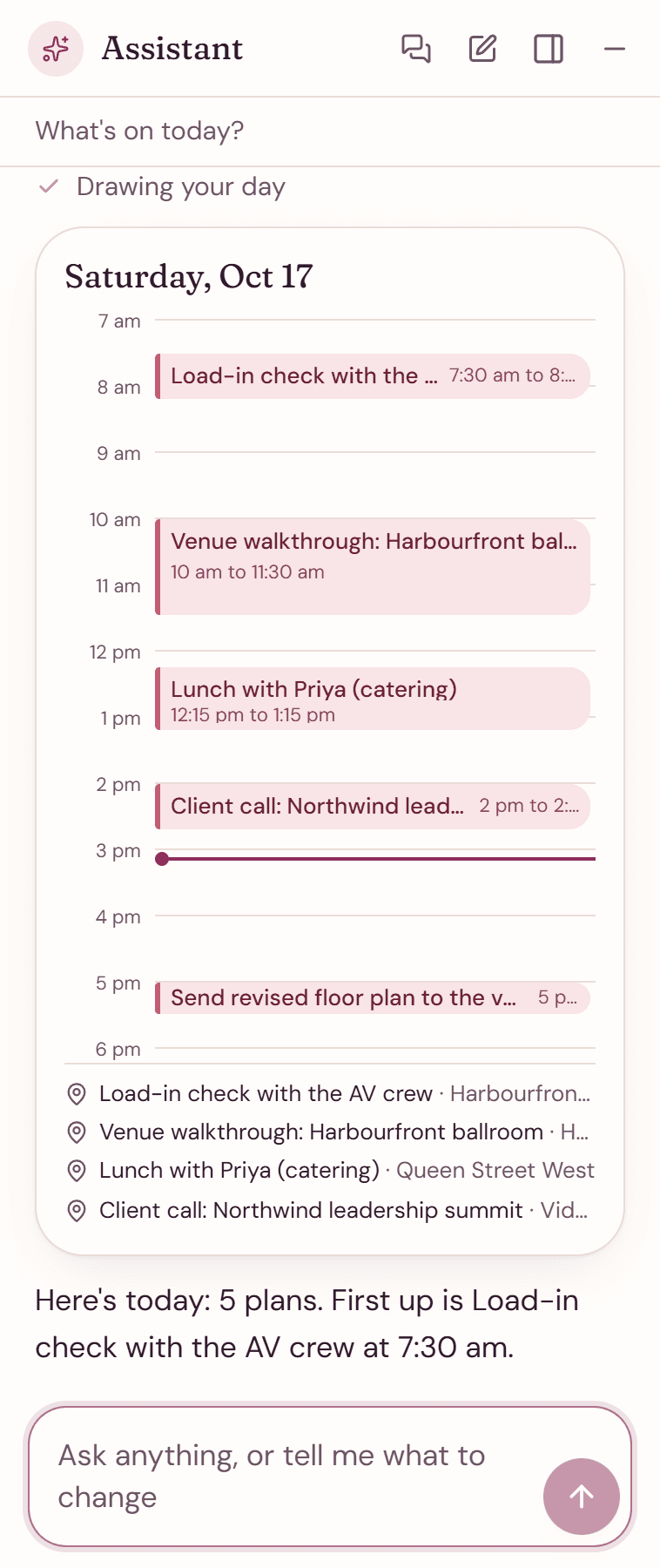
The assistant docked beside the page, answering what is on today with a small day calendar.
What needs you first. Then deadlines and travel. Your week at a glance. Plans laid out by the hour. Ask, and it shows you. Answers in plain words.

Know what needs you in ten seconds.

The brief reads top to bottom in the order a morning needs it. The rest takes about two minutes.

It can arrive by email each morning, too.

The day, as it happens.

Today keeps your plans on a timeline, with what is next, what is due and the notes you jotted down along the way.

Your day on one timeline.

Now and next, what is due and your notes sit right beside it.

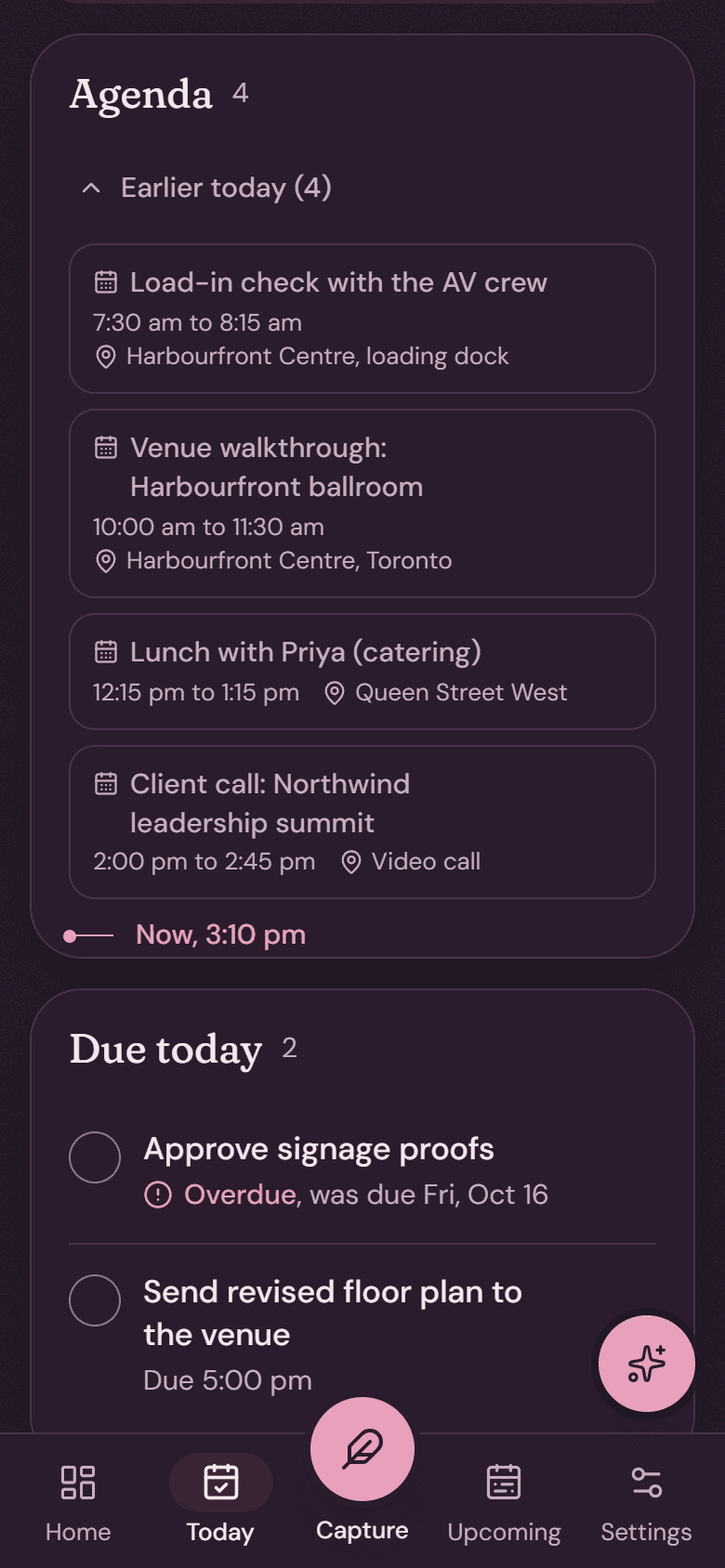
Today: the agenda as a timeline, now and next, what is due today and notes.

Type it the way you would say it.

Capture works out what you meant. Open it from anywhere with Ctrl K or Cmd K.

Free time, found.

Ideas for the open hours between plans.

Your weeks, in charts.

See where the time went, week by week.

A calendar that keeps up with you.

Upcoming shows what is ahead as an agenda, a timeline or a full calendar.
  • Day, week, month and schedule views
  • Drag a plan to move it
  • Two-way sync with Google Calendar
  • Several calendars, each in its own colour
The week view of the calendar, with colour-coded plans from several calendars.
The assistant answering what is on today with a small day calendar of five plans.

An assistant that asks before it acts.

Talk to it like you would a good assistant. Ask about Thursday and get a small calendar back, or ask how your weeks went and get a chart. It drafts and sends email from Gmail, reads your Drive, and connects to Notion, Linear and Kiwi flights.

  • Every change shows a confirmation card, with Undo.
  • Nothing is sent on your behalf until you confirm it.
  • It never acts on instructions hidden inside emails or web pages.

Wherever the day starts.

The brief is built for a phone held in one hand, and opens just as well on a laptop.
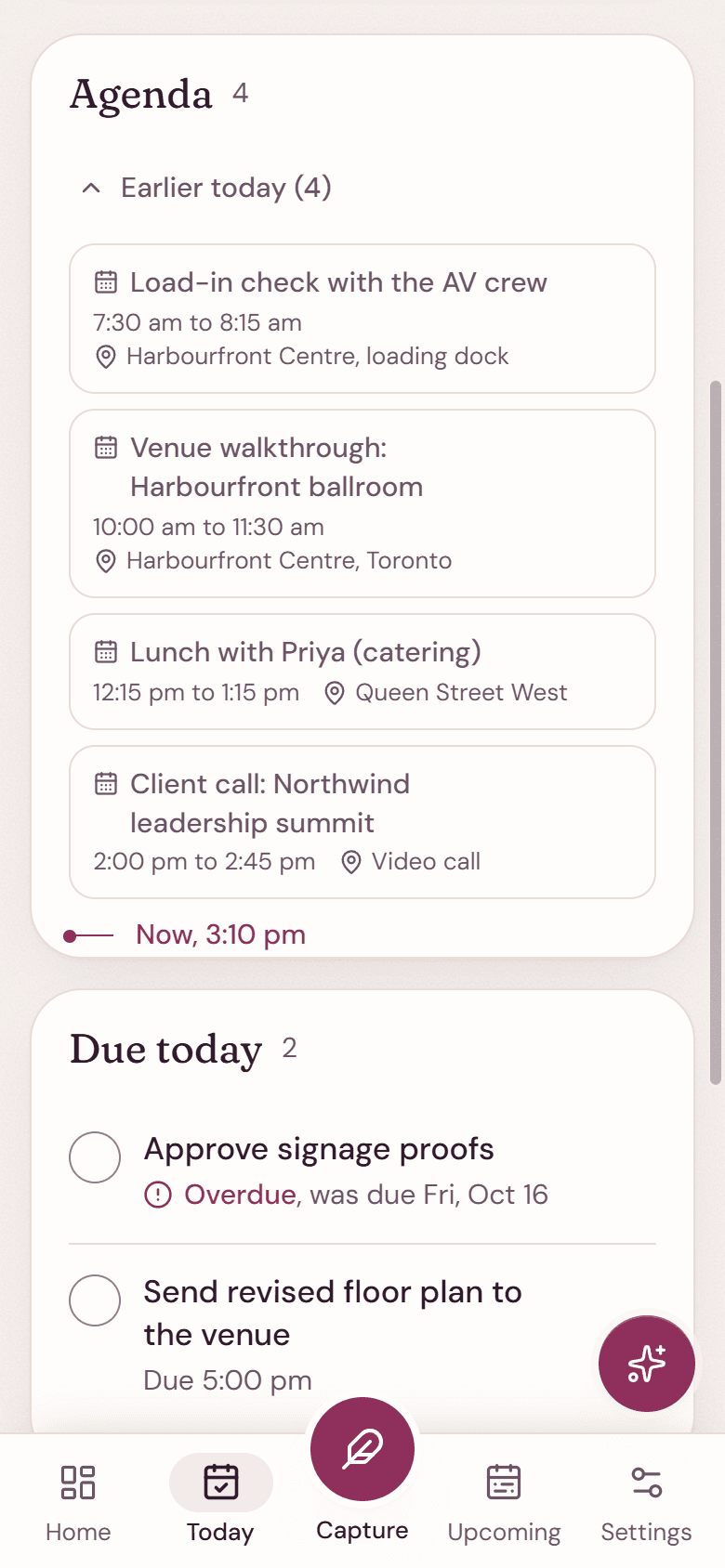
Today on a phone: the agenda and what is due, with the tab bar and capture button.
  • Phone and desktop

    Read on the way in, plan at your desk.

  • The morning email

    The same brief, waiting in your inbox.

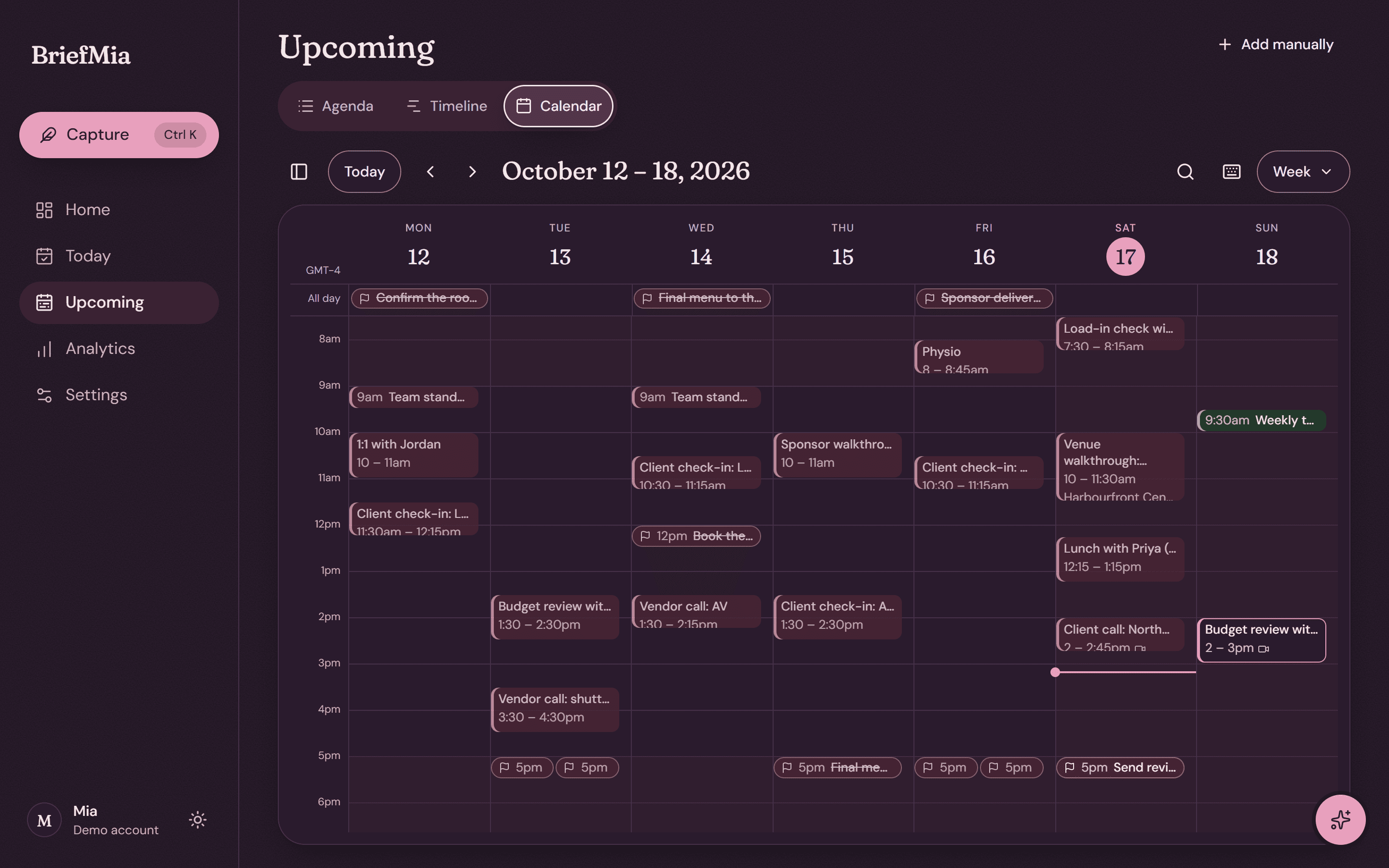
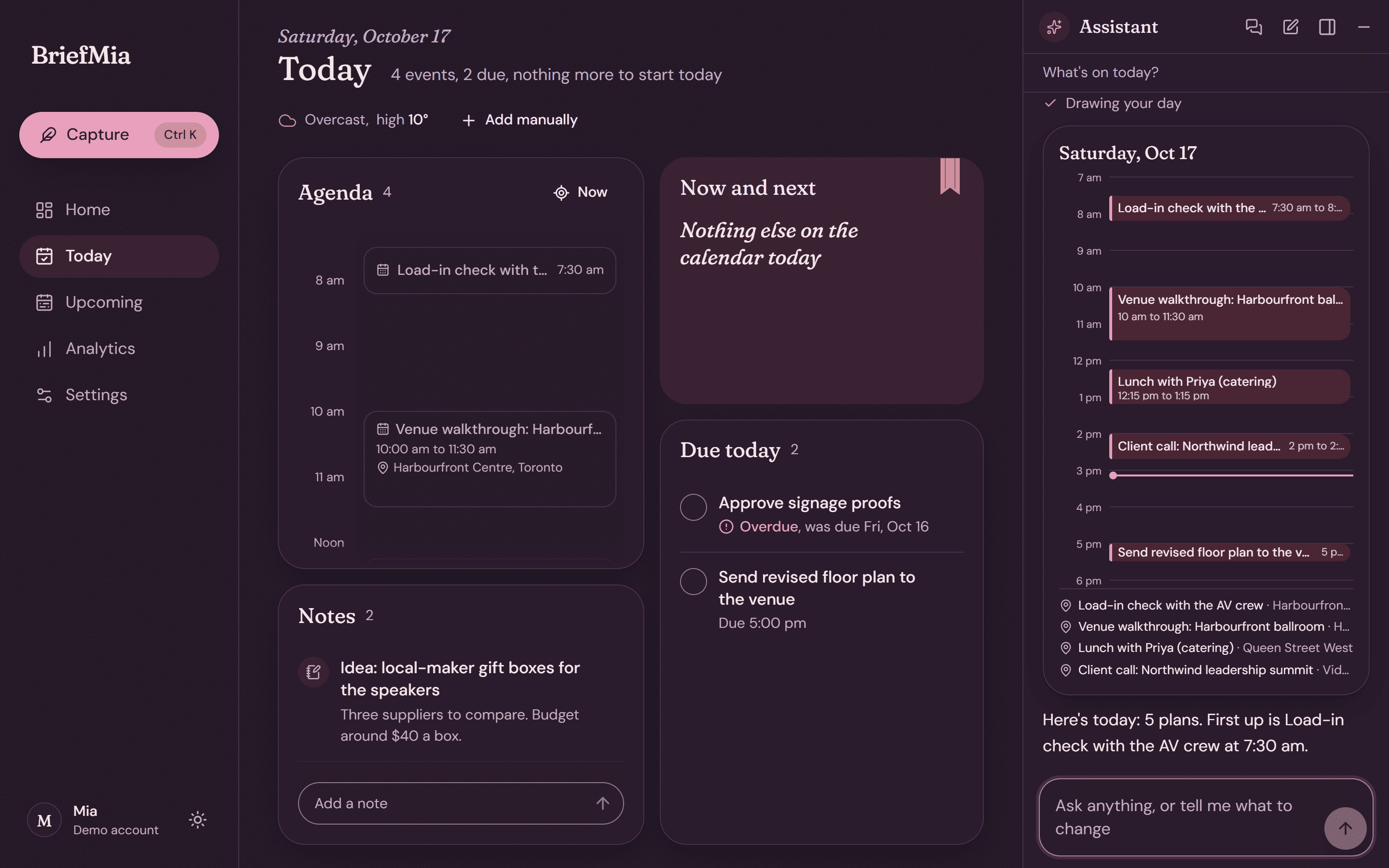
  • Light and dark

    Follows your device, or your choice.

Pick the morning that suits you.

MonthlyYearly2 months free

14-day free trial of Pro · No card needed · Cancel any time

Base

Your weekday brief and a little help.

$20per month

  • Your morning brief, Monday to Friday
  • Up to 3 news sources, summarised
  • About 5 assistant messages a day
  • Gmail search and reading

Pro

Most popular

The full assistant, every morning.

$39per month

  • Your brief every morning, in the app and by email
  • About 25 assistant messages a day
  • Up to 10 news sources, with rich summaries
  • Gmail drafting and sending, and Google Drive

Max

The most help, for your busiest days.

$99per month

  • Everything in Pro
  • About 100 assistant messages a day
  • Up to 25 news sources
  • The deepest web search for answers
Compare every plan

Prices are in CAD. Taxes may be added where required.

Tomorrow morning, already sorted.

Set it up tonight and read your first brief with breakfast.

Get started